Start With How Each Person Uses the Phone
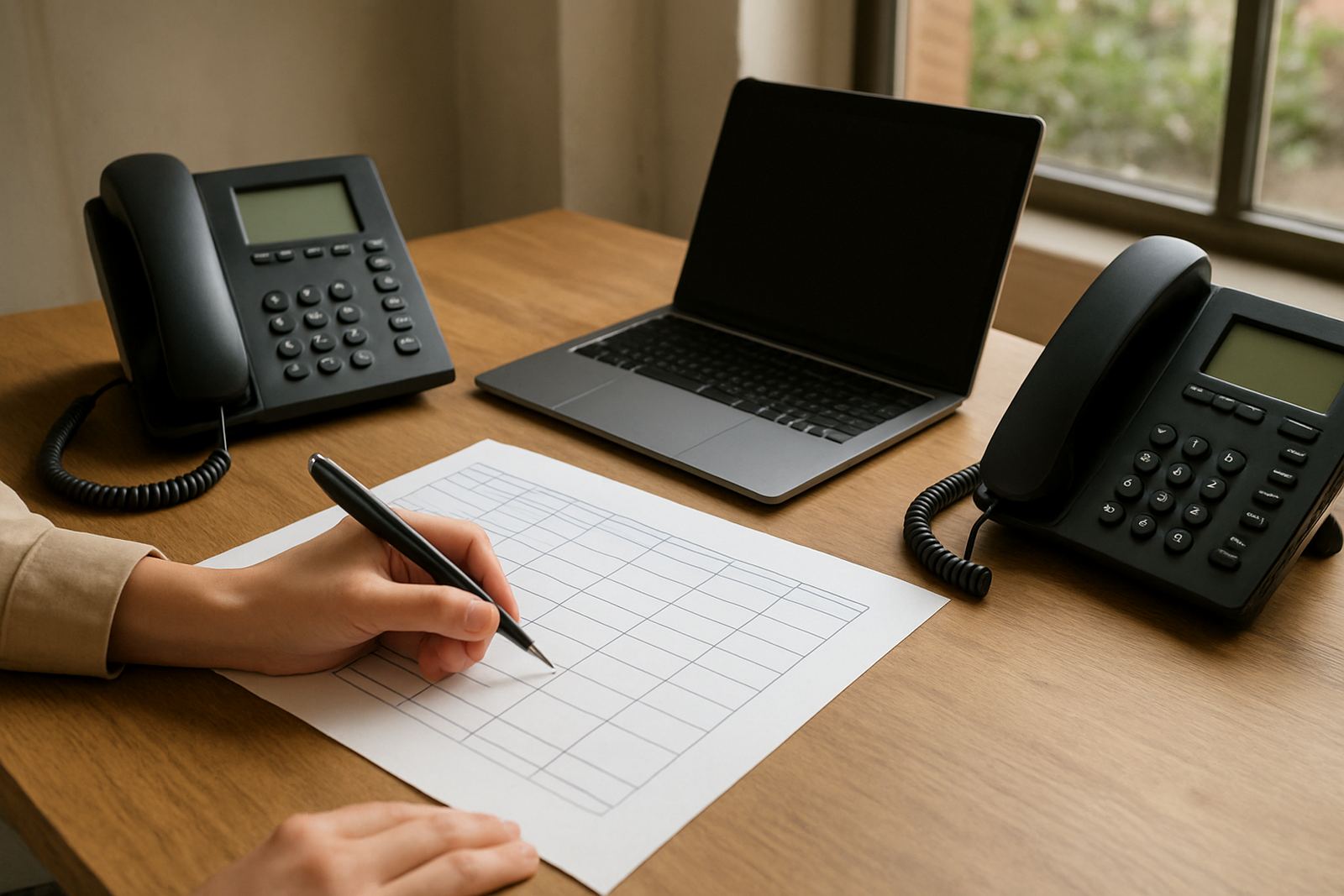
Before you order any handsets, map out who answers calls, who moves around the office, and who joins group calls. A receptionist near the front counter needs something different from a finance manager in a back office or a site team that spends half the day away from a fixed point. In Cape Town offices, we also see extra pressure from load-shedding, shared work areas and busy call volumes during peak trade hours.
Use this quick check before choosing:
- How many calls does the person take in a normal day?
- Do they need to walk around while talking?
- Will they join meetings with 3 to 12 people?
- Is the office open-plan, quiet, or split across rooms?
- Do they need headset support for long calls?
If you answer these questions first, the rest of the decision becomes much easier and you avoid paying for features nobody uses.
Basic Handsets for Reception, Accounts and Shared Desks
Basic handsets suit staff who stay at one point and mainly answer, transfer or return calls. They are simple to use, usually cheaper to roll out, and ideal for reception, switchboard positions and back-office staff who do not need mobility. For a small office in Bellville or Century City, this is often the most practical option for stable day-to-day calling.
They work well when you need clear audio, quick dial keys and a familiar layout. They are also easier to train on, which matters if staff turnover is high or you have temporary team members. Keep in mind that basic handsets are best when the user is close to the same spot for most of the day, otherwise the cord can become a hassle.
- Best for fixed workstations
- Good for reception and admin teams
- Lower cost per extension
- Less suitable for staff who move between rooms
When fitting these in offices with network cabling already in place, make sure each point has a clean cable route and enough power backup so the phones stay live during short outages.
Cordless Handsets for Managers and Mobile Staff
Cordless handsets are a strong choice for people who move between meeting rooms, stock areas, or client-facing spaces. They give more freedom than a basic unit, while still keeping business calls separate from personal phones. In offices with multiple floors or long passages, this can save time and reduce missed transfers.
Range matters. Thick walls, glass partitions and other wireless equipment can affect signal, so test the handset in the actual office before you commit to a full rollout. In coastal areas like Somerset West, moisture and busy radio environments can also affect performance over time, so placement and support matter. If the base station is tucked away in a cupboard, coverage can drop fast, which is annoying when the person is on a live call.
Use this checklist when considering cordless units:
- Test coverage across the full office area
- Check battery life for a full working day
- Confirm spare chargers are available for heavier users
- Make sure the handset pairs properly with your VoIP service
For teams that split time between the office and client visits, cordless handsets often give the right balance between convenience and control.
Conference Handsets for Group Calls and Boardrooms
Conference handsets are built for meetings, planning sessions and remote collaboration. They are useful in boardrooms, training rooms and open meeting spaces where several people need to hear and be heard without crowding around one phone. For a business in Stellenbosch or Paarl with regular supplier calls or team reviews, this can improve meeting flow straight away.
Choose a conference unit if your team often has calls with 4 to 10 people in one room. The microphone pickup and speaker clarity matter more here than handset size. Good placement is important too, so avoid putting the unit right next to a printer, air conditioner or window where background noise can creep in. A small typo in planning can lead to a noisy room that nobody enjoys using.
- Best for group meetings
- Improves sound in shared rooms
- Useful for hybrid meetings with remote staff
- Needs a quiet room and stable network connection
If you host regular calls with suppliers, customers or remote branches, this type of handset can save a lot of repeating and keep meetings shorter.
Match the Handset to Your VoIP and Fibre Setup
Handsets do not work in isolation. They need the right network, power and call setup behind them. When the fibre line is stable and the office cabling is tidy, call quality improves and support calls drop. If the network is overloaded by streaming, file transfers and multiple calls at once, even a good handset will struggle.
Before rollout, check the following:
- Is the fibre package sized for your call count?
- Are all phone points properly cabled and labelled?
- Is there power backup for routers, switches and core handsets?
- Will number porting affect the move-over date?
- Do users need training on call transfer, voicemail and conference features?
For office relocations, it helps to plan handset types together with network cabling and WiFi design. That way the phones, internet and workstations all switch over in one controlled move instead of being sorted out piecemeal after opening day.
Simple Selection Guide for Small Offices
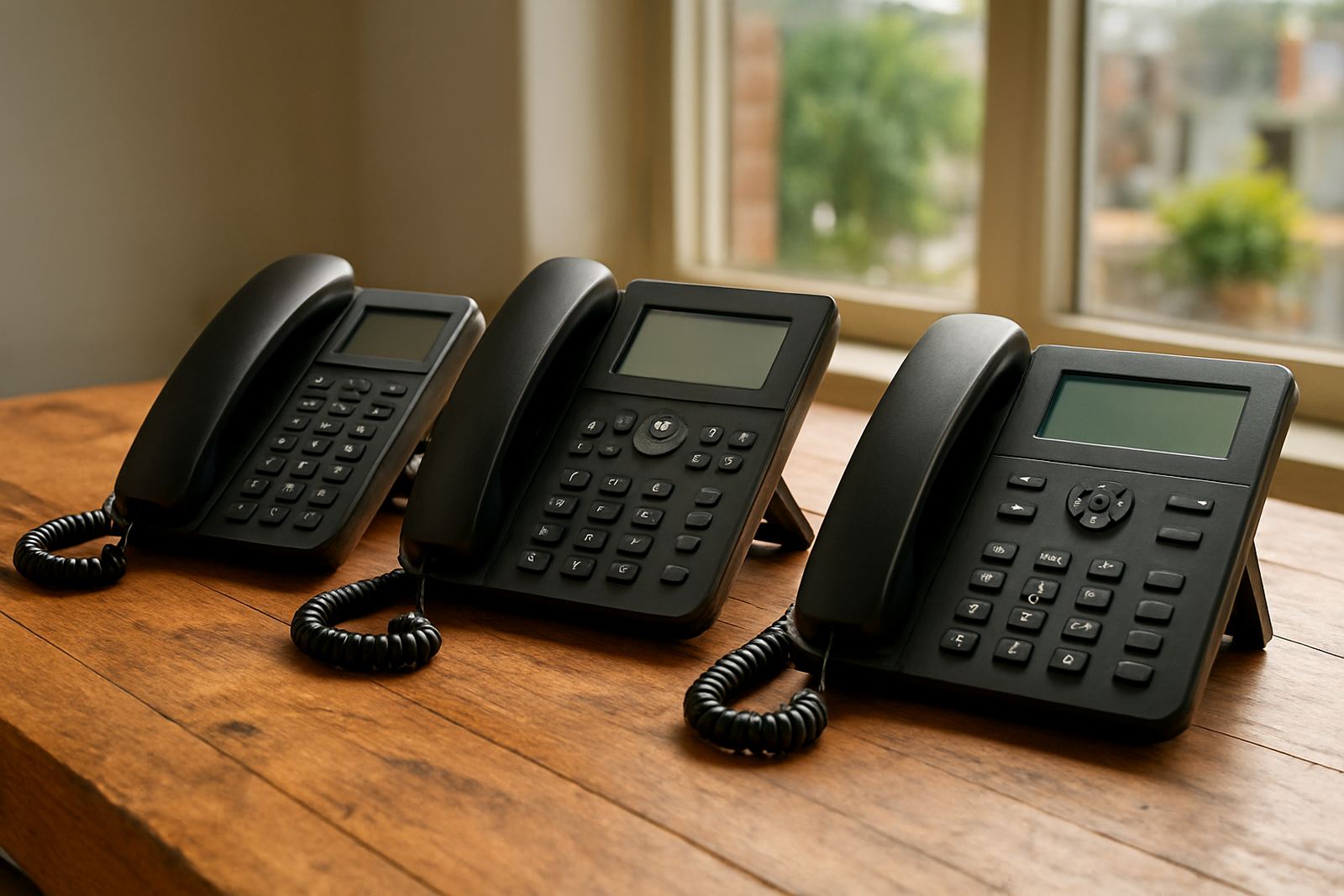
If you are still unsure, use this quick rule set. Choose basic handsets for fixed staff, cordless for moving staff and conference units for meeting spaces. Many offices use a mix of all three, which is often the best fit for a small team that wants to keep costs sensible without limiting daily work.
Final checks before you buy:
- Count how many users need each handset type
- Check whether the office layout supports wireless range
- Confirm support hours for urgent faults after hours
- Ask for user training so staff know the functions they will use most
- Plan for future growth if you may add another line or branch later
NewTel works with offices across Cape Town and nationwide, so the handset choice can be aligned with your fibre, VoIP deployment and support needs from the start. That makes it easier to keep calls clear, staff informed and the office running without fuss.