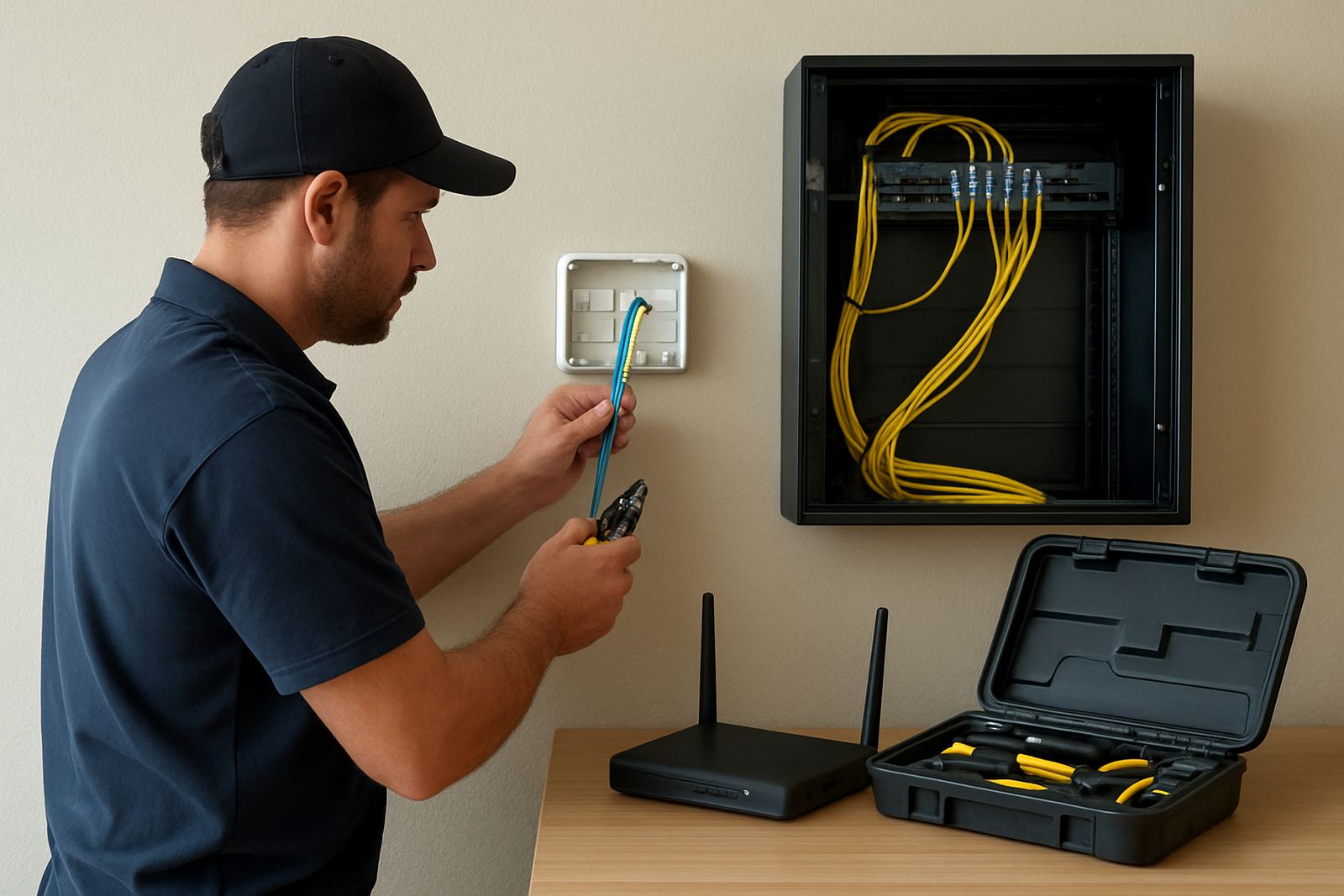
What our office WiFi design covers
Good WiFi is not just about putting up a few access points and hoping for the best. We design wireless coverage around how your team actually works, whether that is open-plan counters, enclosed offices, boardrooms, reception areas or shared spaces with guests on and off the network. Our focus is on consistent coverage, usable speeds and fewer dead spots in corners, passages and behind concrete walls.
For Cape Town offices, Century City business parks and premises in Bellville, Somerset West, Paarl and Stellenbosch, we also look at local building materials and interference. A modern office block with glass and steel behaves very differently from an older walk-up with thick internal walls, and the plan needs to suit the site not a generic template.
- Wireless site survey and signal planning
- Access point placement for staff, guest and meeting room zones
- Bandwidth planning for VoIP phones, laptops and printers
- WiFi security setup with separate access for visitors
- Roaming design for offices that move between rooms and floors
How we plan the network before anything is installed
We start with a walk-through of the premises and a short discovery discussion with your office manager or IT contact. That lets us understand headcount, device count, floor area, wall types and where people actually spend time. If your business runs cloud apps, VoIP handsets, CCTV or a mix of guest and staff devices, the wireless design needs to carry all of it without choking when everyone logs in at once.
Our planning work normally includes a basic RF check, a coverage map and a recommended access point count. In many small offices, one or two well placed units do better than four badly placed ones. We also note likely trouble spots such as storerooms, server cupboards, lift lobbies and boardrooms with long meeting tables where calls can drop if signal is patchy.
- Site survey and floor plan review
- Capacity estimate based on users and devices
- Channel and frequency planning for cleaner airtime
- Guest WiFi separation from office traffic
- Power and backup considerations for load-shedding periods
What is included in the WiFi design package
Each design is built to support your office layout and your service requirements. We do not just list hardware, we plan how the wireless network will behave during normal office use, client visits and peak traffic. That includes the number of access points, the best mounting positions, cable runs, switch ports and where extra points may be needed if the office expands later.
For many small businesses, the important detail is not maximum theoretical speed but steady coverage at the far end of the office. If staff are using cloud accounting, hosted phone systems or video calls, a poorly planned network can cause stutters, failed logins and complaints from clients on calls. We account for that from the start, so the finish is cleaner and easier to manage.
- Wireless coverage plan for offices up to multi-room and multi-floor layouts
- Recommended access point specification and quantity
- Network cabling layout for each access point
- SSID setup for staff, guests and meeting spaces
- Security settings aligned to office use
Turnaround and rollout for active offices
Turnaround depends on the size of the premises and how much existing infrastructure is already in place. A straightforward small office can often be assessed and planned in a short cycle, while a larger premises with several meeting rooms or branch links may need more time. We keep the process practical, with clear milestones so you know what happens next and when staff can expect the new wireless layout to be ready.
When the job is approved, we schedule work to limit disruption to your team. That may mean after-hours work, staged installation over a few visits or careful changeovers during quieter office times. In Cape Town and nearby areas, many clients ask for rollout outside normal trading hours so reception, sales and admin staff can keep working. We can do that, and we keep communication direct so there are no surprises. The handover includes basic testing on the main work areas and a simple run-through for the person who will manage the network day to day.
Pricing approach for small office wireless projects
Our pricing is based on the actual scope of the site, not a one-size-fits-all rate. We look at the floor area, the number of access points, cable distances, cabinet access, ceiling type and whether the office needs extra support for guest WiFi, VoIP or backup connectivity. That gives a fairer quote for small offices and keeps the work aligned to what you need now, not a bloated package you wont use.
For many clients, the best approach is to start with a clean coverage design and then add only the hardware and cabling required for the space. If you are relocating, fitting out a new unit or expanding from one room to several, we can phase the work so your spend stays under control. We also explain any ongoing costs up front, including support or monitoring if the office wants help after installation.
Maintenance intervals and support after go-live
Wireless networks need regular check-ins, especially in offices where people move furniture, add partitions or bring in extra devices. We recommend a review every 6 to 12 months for most small offices, or sooner if you change the layout, add a new floor or notice dead spots after a move. In coastal areas like Cape Town and Somerset West, we also pay attention to humidity, salt air and ceiling spaces that can affect equipment over time.
Maintenance usually covers signal checks, access point health, cable inspection, firmware review and a quick look at user complaints or slow zones. If a branch in Paarl or Stellenbosch starts growing, we can adjust the design rather than waiting for the network to fail under pressure. Good maintenance keeps the office calmer, and it is cheaper than chasing problems after staff have already lost time.
- Routine WiFi checks every 6 to 12 months
- Signal and throughput testing in key rooms
- Access point and switch health checks
- Layout adjustments after office changes
- Support for after-hours maintenance when needed
Why NewTel is a practical fit for office WiFi
NewTel works with small offices that need reliable connectivity without fuss. Because we also handle fibre, VoIP, cabling and support, we can design the WiFi around the full office setup instead of treating it as an isolated job. That matters when your phones, laptops, printers and guest devices all depend on the same connection.
Our Cape Town base in Century City makes it easy to support local sites, and we also assist offices nationwide. If your business is in Bellville, the southern suburbs or further afield, we keep the process direct and easy to follow. The goal is simple: strong wireless coverage that matches the building, the staff count and the way your team works day to day.
Key facts
| Coverage planning | Office layouts from small single-floor premises to multi-room and multi-floor sites |
|---|---|
| Access point design | Typically 1 AP per zone, subject to wall type, floor area and user load |
| Wireless bands | Dual-band planning with 2.4 GHz and 5 GHz design considerations |
| Security | Separate staff and guest access, with practical office-level controls |
| Turnaround | Survey and proposal timing depends on site size, with staged rollout available |
| Review interval | Recommended maintenance every 6 to 12 months, or after office layout changes |