What our network monitoring service covers
Network monitoring is about knowing what your office connection is doing all day, not only when something goes wrong. We track fibre uptime, router status, packet loss, latency, VoIP call quality, line stability and device availability so your team can keep working with fewer interruptions. For small offices, that means one place to see whether a slow connection is caused by the fibre line, local equipment or an upstream provider issue.
We monitor offices in Cape Town, Century City, Bellville, Somerset West, Paarl and Stellenbosch, and we also support national branches that depend on consistent voice and data service. The service suits businesses with 3 to 100 users, shared call traffic, remote staff and branches that cannot afford long gaps in connectivity. It is especially useful where load-shedding, power dips or coastal humidity affect switches, routers and phone equipment.
Monitoring is set up around the equipment you already use, so there is no need to replace every device. We focus on practical metrics that help your team make decisions, like link health, bandwidth use and voice jitter. If a threshold is crossed, our support team can investigate, confirm the cause and advise on the next step. It saves time and keeps the issue from dragging on for half a day.
Typical indicators we track for your office
Every office uses connectivity differently, so we tailor the checks to your line speed, call volume and number of users. A small law firm in the CBD needs different thresholds from a warehouse office in Bellville or a consulting team in Somerset West. We set the baselines accordingly and keep them practical, not overcomplicated.
- Fibre uptime and line stability
- Latency, jitter and packet loss on VoIP traffic
- Bandwidth use during peak office hours
- Router and switch availability
- Power-related outages after load-shedding or surges
- Repeated call drops, one-way audio and echo events
- Device reachability for printers, phones and key office endpoints
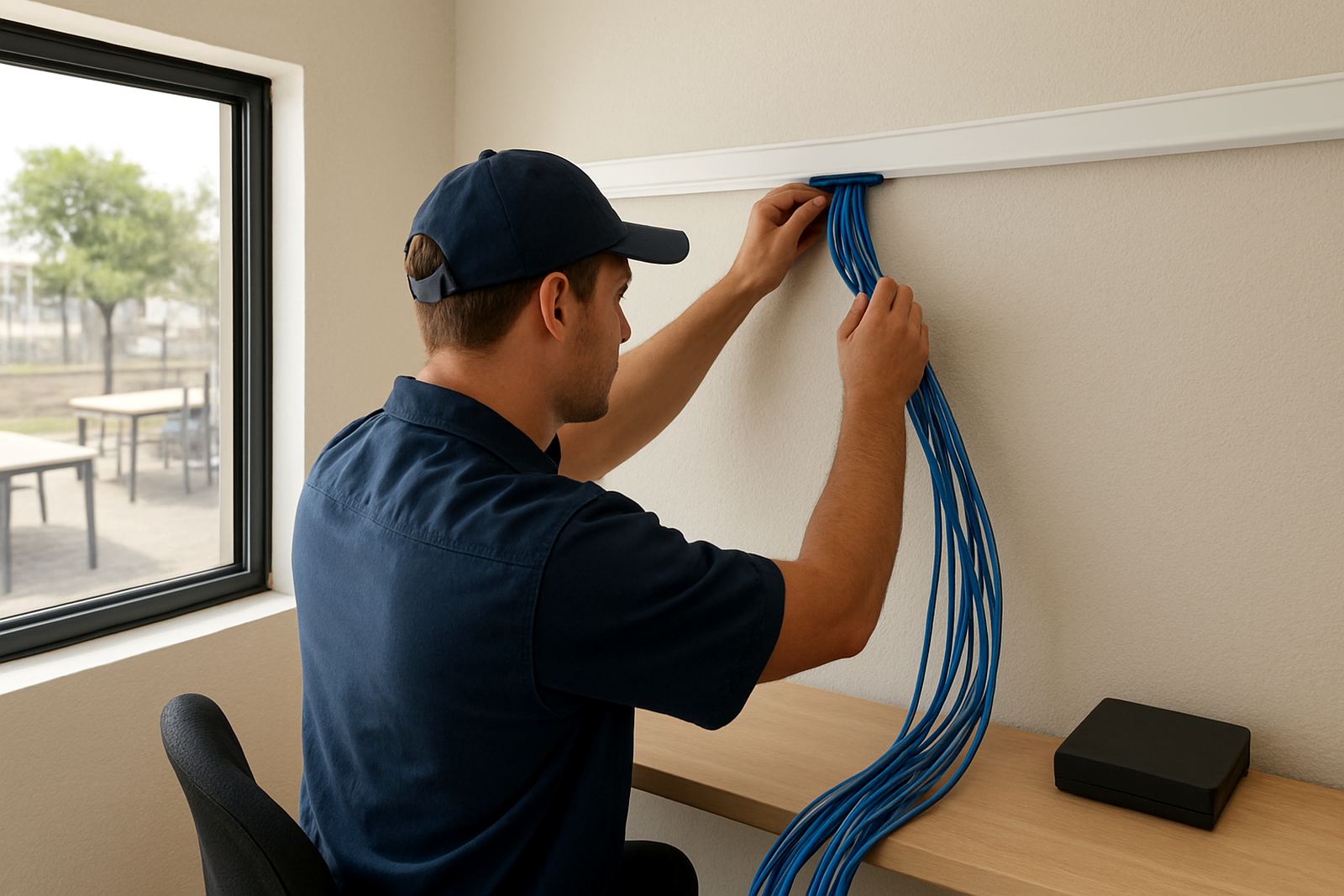
Where needed, we also watch for signs that cabling or equipment is causing avoidable faults. A loose patch lead, overheating router or damaged port can look like a provider issue at first glance. Catching those signs early can stop unnecessary downtime and extra call-outs, which saves money over the month.
How setup and onboarding work
We begin with a short discovery call to understand your office layout, current fibre service, VoIP setup and the times of day when traffic is busiest. Then we map the monitoring points, confirm who receives alerts and agree on the escalation path. If you have more than one branch, we can separate the views by site so your operations team sees each location clearly.
The onboarding process usually follows four steps:
- Review the current fibre, VoIP and network equipment
- Define the key service levels and alert thresholds
- Install the monitoring tools and test alert delivery
- Hand over the reporting view and support contacts
Most single-office setups are completed within 1 to 3 business days after access is arranged. More complex sites, or offices with several routers, VoIP gateways and separate call groups, can take longer. We keep the process steady and practical, with no disruption to daily work unless a short window is needed for testing. You will know what is being monitored and why, rather than being left guessing.
Support Routes, Faults and Porting
When an alert comes through, we check whether it is a live fault, a short service dip or a device issue on site. Please include the site name, contact details, a brief description of what you are seeing, and any recent changes or power events. If the issue points to a fibre outage, we work through the fault with the relevant provider and keep you updated in plain language, not technical noise.
For offices that rely heavily on calls, we can extend monitoring to after-hours support, especially where staff work late, receive customer calls after 17:00 or operate from multiple time zones. Reports can be sent daily, weekly or monthly, and they focus on the details that matter: uptime, event count, peak usage, voice quality and repeated fault patterns. That makes it easier to spot a line that is slowly getting worse before it becomes a full outage.
If your business is moving premises, we can also adjust the monitoring view during an office relocation so the transition is tracked properly. That is useful where one site closes and another opens on the same week, since there are often a few hiccups with handover or cabling. A bit of planning here prevents a long afternoon of back-and-forth with support teams.
Pricing approach for small offices
We price network monitoring according to the number of monitored services, sites and alert requirements. A single fibre line with VoIP monitoring costs less than a multi-branch setup with separate call flows, weekend cover and detailed reporting. That keeps the monthly fee fair for smaller offices, while still giving you the visibility you need.
There is usually an initial setup fee for onboarding, threshold configuration and testing. After that, monitoring is billed on a monthly basis. If you need extra checks, such as after-hours response, remote device reviews or additional branch monitoring, we quote those separately so you can compare the cost against the time and downtime they prevent. In many cases the monthly spend is lower than the cost of one lost morning of calls or staff sitting idle.
We are also careful about maintenance costs. Where a cable test, router check or site visit is needed, we explain it first and avoid surprise charges. Offices in coastal areas like Cape Town, Somerset West and Paarl often need a little more attention because humidity and salt air can affect connectors and equipment over time, so it helps to plan that into the budget from the start.
Ongoing maintenance and service intervals
Monitoring works best when it is backed by regular maintenance. For most offices, we recommend a monthly review of the reports, plus a quarterly check of thresholds, alert contacts and device health. That is enough to catch changes in usage, staffing or call patterns before they create bigger problems. If your office runs a heavy voice load or has a lot of remote access traffic, we may suggest shorter review cycles.
Our maintenance approach can include:
- Checking alert thresholds and call quality trends
- Confirming failover behaviour during outages
- Reviewing router logs and connection drops
- Testing notification contacts and escalation routes
- Watching for recurring faults after power events
Where network cabling or equipment is part of the issue, we will flag it early and recommend the next step. A small adjustment now is usually better than repeated patching later. We also keep an eye on office growth, because a team that started with six users can quickly double and put pressure on the same line, especially when everyone is on video calls and cloud systems at once.
Key facts
| Service area | Cape Town, Century City, Bellville, Somerset West, Paarl, Stellenbosch and offices nationwide |
|---|---|
| Monitoring focus | Fibre uptime, VoIP quality, latency, jitter, packet loss and device availability |
| Typical office size | 3 to 100 users |
| Setup turnaround | Usually 1 to 3 business days after access is confirmed |
| Review interval | Monthly reporting, with quarterly threshold and alert reviews |
| Support contact | Contact form |