What the Parow office needed
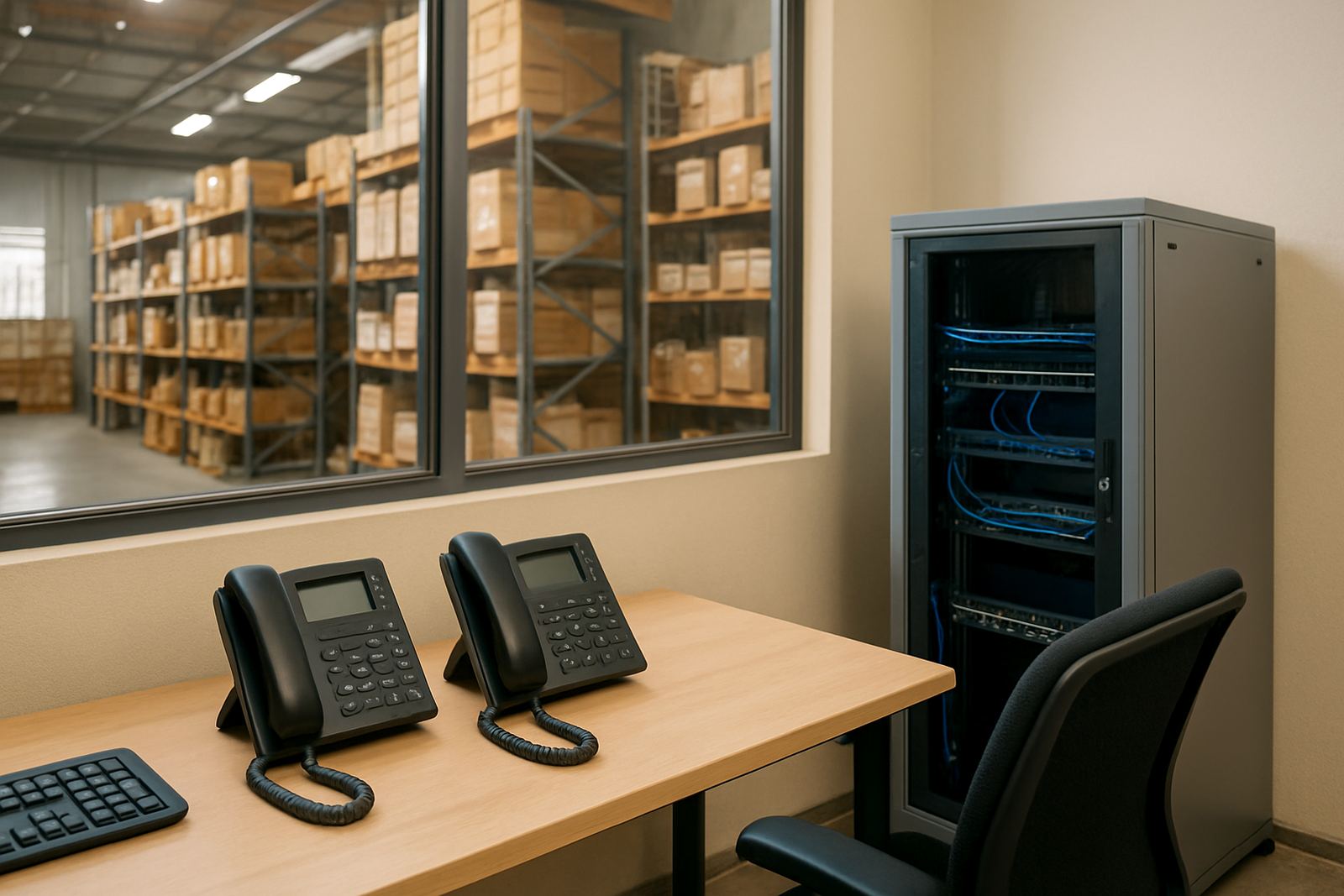
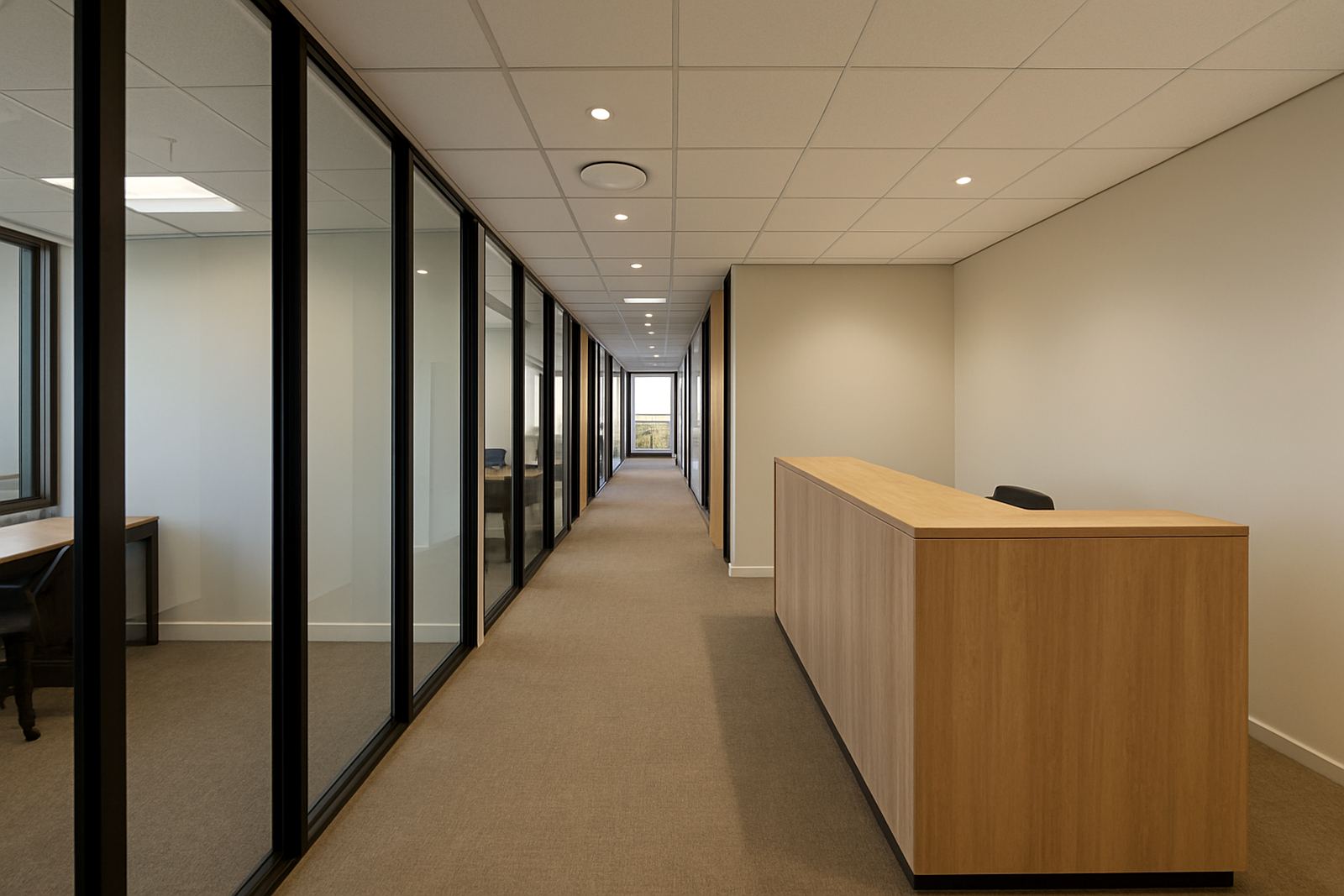
This Parow admin office had a few practical limits from the outset. The team could not stop answering calls for long, and the office layout left only one practical location for the comms gear. The building also had the usual Cape Town realities to work around: power cuts, electrical fluctuations and a fair amount of dust in the equipment area. We needed to keep the changeover tight and make sure the backup plan was simple enough for the staff to understand quickly.
We carried out a site check first and mapped the existing handsets, network points and power supply. That showed us where the bottlenecks were. The office did not need a big system, but it did need a clean structure, stable internet and a sensible battery backup arrangement that would carry the phones and key network kit during load-shedding. A little more time spent upfront saved a lot of trouble later.
What we supplied and installed
We supplied and installed a small-office VoIP solution with the supporting network work needed to keep it steady. The calling setup was modernised with properly configured extensions, call handling rules and number porting so the office could keep its published contact numbers. We also added battery backup for the core comms equipment, allowing the office to stay reachable when mains power failed.
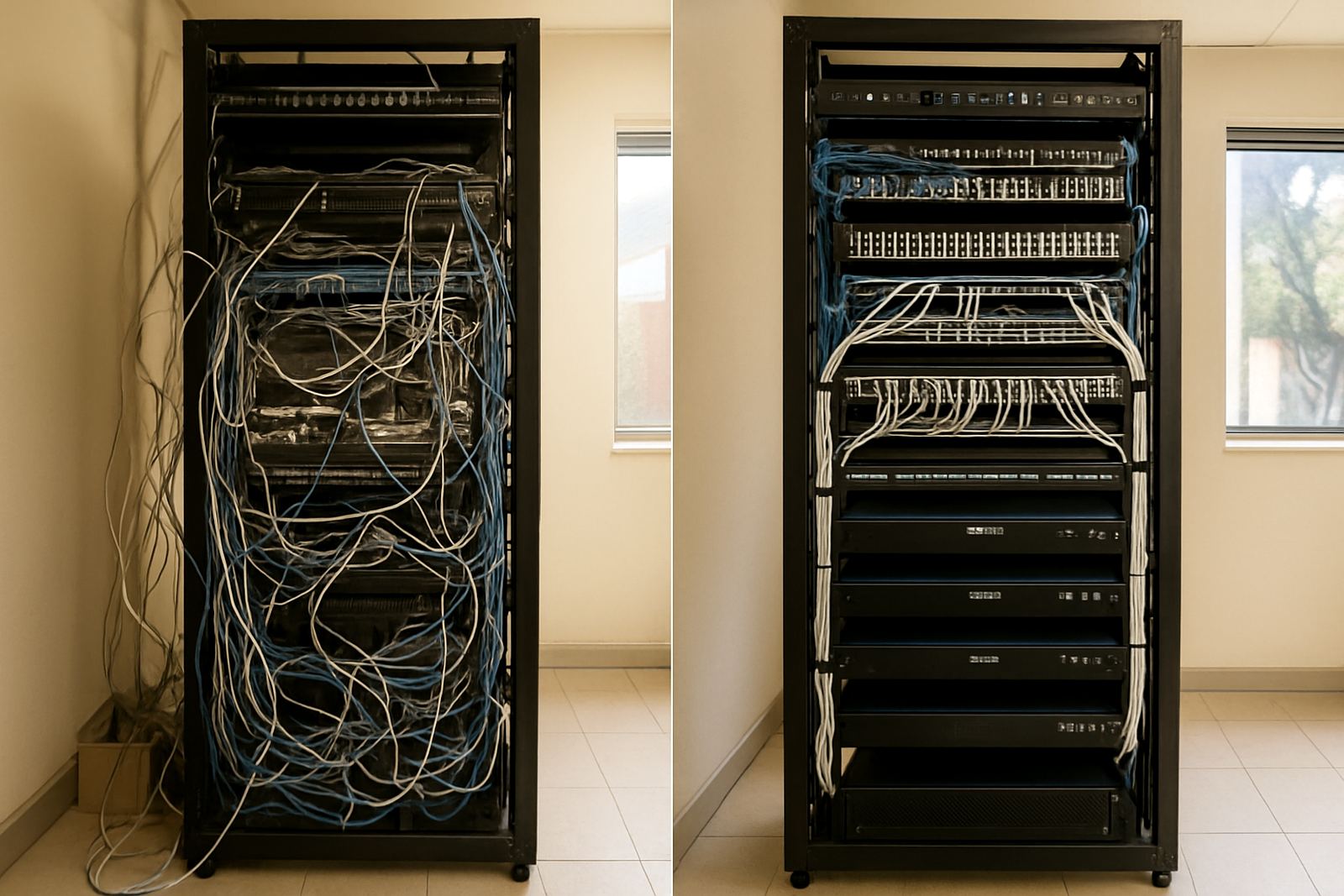
On the physical side, we cleaned up the network area, re-routed cabling and labelled the key runs. The cluttered section was stripped back and rebuilt in a more sensible way so future checks would be quicker. In a space like this, neat cabling is not cosmetic. It makes fault finding easier and reduces the chance of a bad patch lead causing a day of trouble.
- VoIP handsets configured for the office call flow
- Number porting to retain existing business numbers
- Battery backup for the router, switch and voice equipment
- Cable rework and labelling for easier support
- Network point testing and handset verification
How the work was planned
The most obvious result was cleaner, clearer calling. Staff noticed the difference in call quality and in the way calls were routed. The battery backup also gave the office confidence during outages, since the essential comms equipment stayed live long enough for people to keep working and return missed calls without starting from scratch.
The tidier network area made a big difference too. The office can now identify the important links quickly, which matters when a small support team needs clear answers. The admin group no longer has to work around a bundle of unknown cables and mixed equipment. It is just easier to keep the office running when the infrastructure is organised.
- Improved call clarity and fewer dropped internal calls
- Essential communication stayed live during load-shedding
- Faster fault checks thanks to labelled cabling
- Less downtime for the admin team
- Better support access for future changes
What we would repeat on the next office upgrade
If we were doing a similar Parow office again, we would keep the same approach: do the site check first, keep the design simple and build around the real working day of the client. Small offices often get overloaded with gear they do not need. A lean setup with the right backup and clear cabling is usually the better choice.
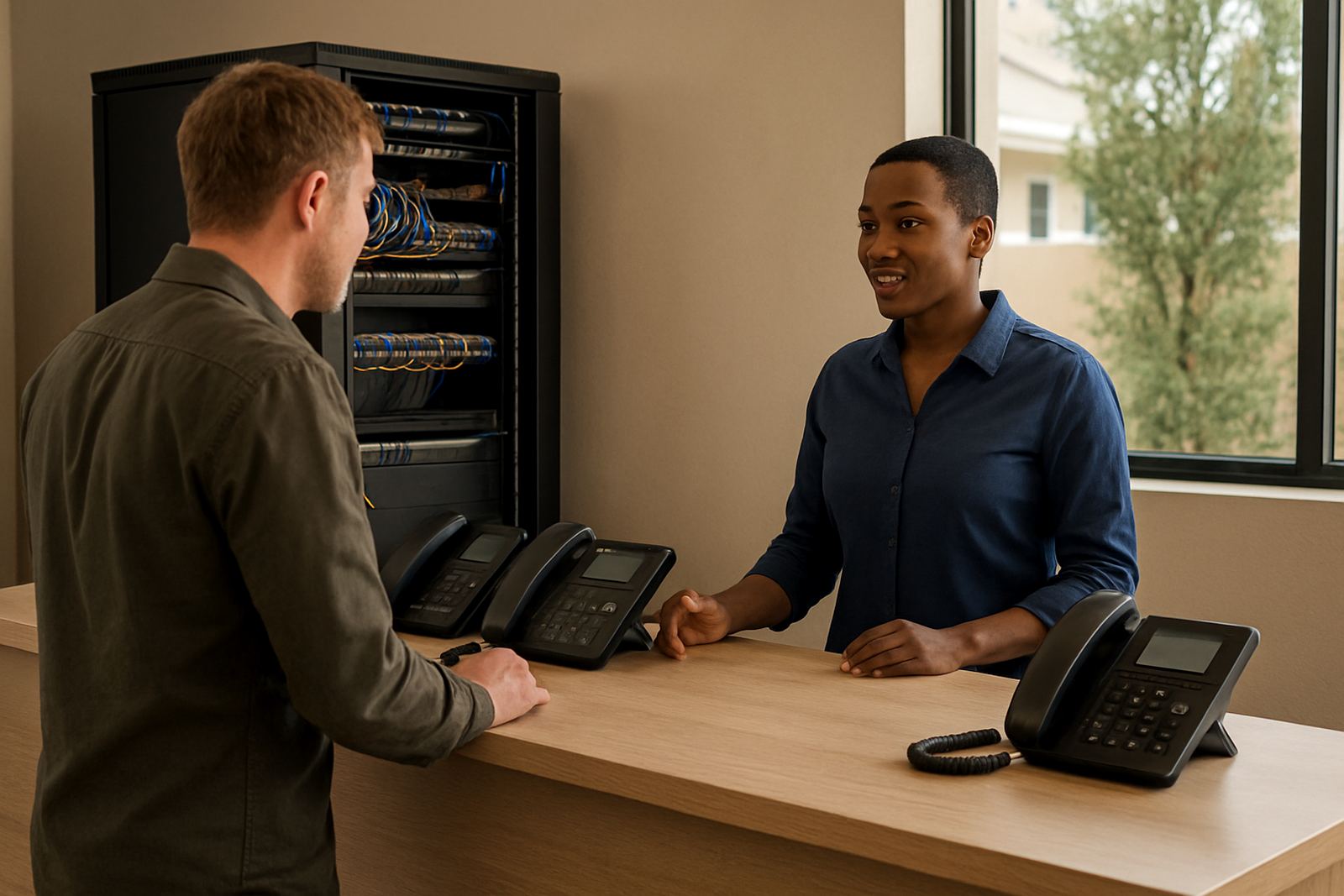
We would also keep the handover practical. Staff training was short but useful, covering how to use the handsets, what to expect during a power cut and who to contact if something needed attention. That sort of direct guidance saves time later, especially in offices where the same few people handle phones, admin and supplier issues at once.
Key facts
| Project area | Parow, Cape Town |
|---|---|
| Client type | Small admin office |
| Timeline | 2 weeks |
| Core work | VoIP modernisation and network tidy-up |
| Backup | Battery support for essential comms equipment |
| Services used | VoIP Deployment, Number Porting Service, Network Cabling, WiFi Design, After-Hours Support, User Training |