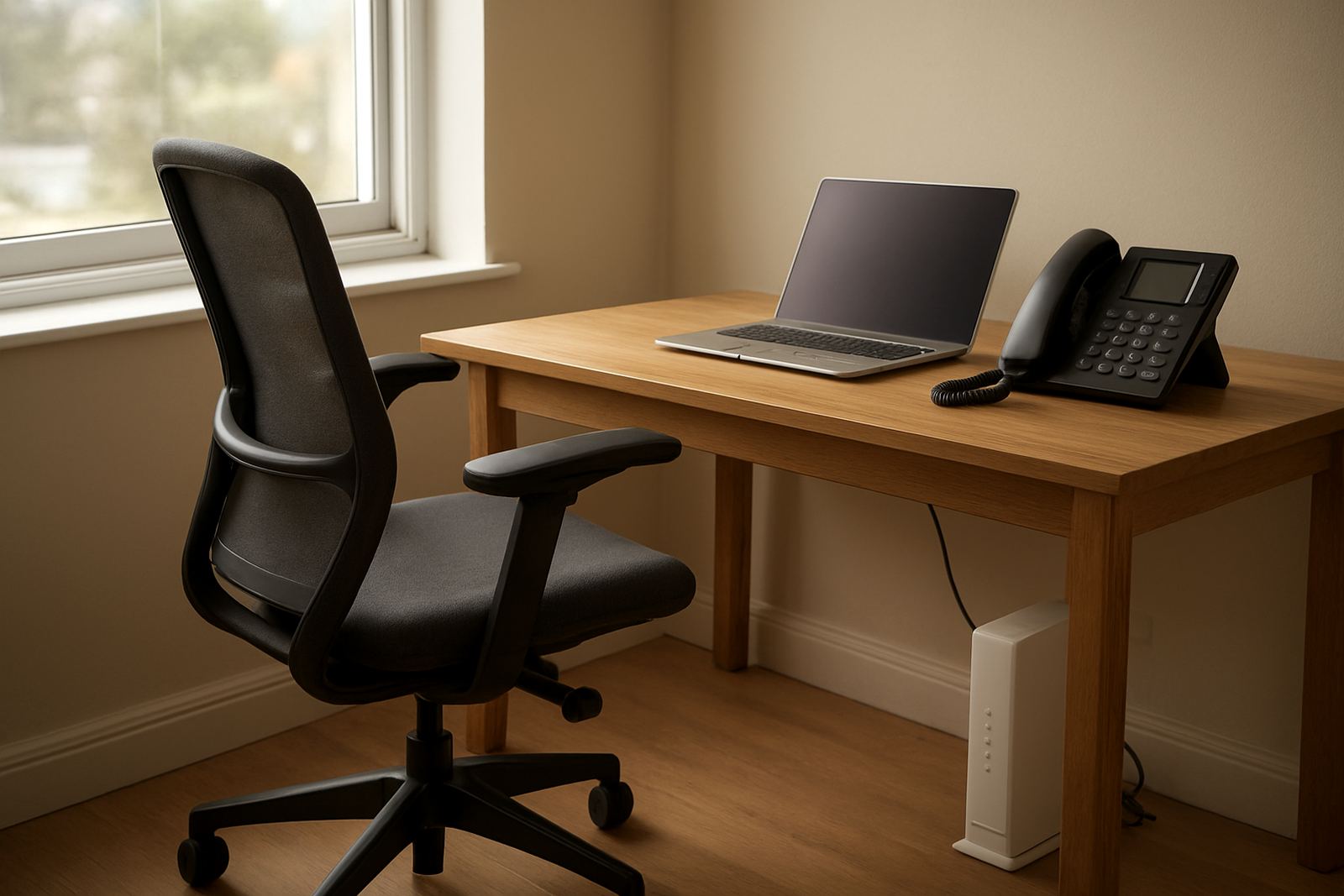
What a proper home office setup needs
When work moves into a spare room, garden flat or converted study, the network has to behave like a small office. That means stable fibre, a voice setup that can handle daily calls, and WiFi that reaches the whole working area without buffering or dead spots. For clients in Cape Town, Bellville, Somerset West, Paarl and Stellenbosch, we plan for local conditions like load-shedding, coastal humidity and split-level homes where signal can struggle through brick walls.
A solid home office usually starts with fibre to the property, a router in the right place, and one or two quality handsets or softphones for calling. If you take client calls from a home office, it is worth separating work traffic from streaming, gaming and smart home devices. That simple step prevents the common complaint of a call cutting out when someone else in the house starts a video stream.
Typical equipment for one or two people
Most home office installations are smaller than a branch office, but they still need the right mix of equipment. We look at the number of users, the size of the room, and whether you need corded phones, cordless handsets or headset-based calling. Some people work from a single study, others from a larger room with a printer, scanner and more than one laptop.
- Fibre line with an appropriate speed for video calls, cloud access and file sharing
- Business-grade router and WiFi access point for stronger coverage
- VoIP handset or headset setup for clear calling
- Network cabling for a fixed PC, printer or video conferencing unit
- Battery backup for fibre equipment during load-shedding
If the house already has cable runs, we test them before adding anything new. If it doesnt, we plan a neat route that avoids loose leads across passageways and keeps the work area tidy.
How we plan the layout
Good planning starts with the room itself. We look at where the window is, where the power points sit, and where the router can live without being hidden behind a filing cabinet or a steel cupboard. A router placed in the wrong corner can waste a strong fibre line, while a better spot can improve the whole space without extra cost.
For many home offices, the best layout is simple: fibre termination near the working area, a small UPS for the ONT and router, then one wired connection to the main computer and WiFi for mobile devices. In larger homes, we may add an access point on the opposite side of the house or down a passage so the signal stays steady in the office and the rest of the home. It sounds basic, but this is where many setups go wrong.
- Keep the router central, not tucked behind the TV
- Use cable clips or trunking instead of loose extensions
- Separate work devices from family streaming where possible
- Plan power backup before winter storms arrive
- Leave space for the printer, headset charger and any backup device
Common mistakes that cost time
The most common mistake is buying a consumer package and expecting office performance. That often works until there are simultaneous Teams calls, cloud backups and a child streaming in the next room. Another issue is underpowered WiFi, especially in older Cape cottages, double-storey homes or units with thick walls. People then move the laptop closer to the router every few days, which is not really a solution.
We also see home offices built without proper cable management. A long cable across the floor may seem fine at first, then someone trips, the phone drops and the modem gets pulled loose. Another mistake is skipping number porting planning. If you want to keep an existing business number, it should be handled early so there is no gap in incoming calls. Waiting until the last minute can lead to avoidable down time.
Budget ranges for home office setups
Budgets vary depending on the property, the speed required and whether new cabling is needed. For a straightforward home office in Cape Town or nearby suburbs, a basic fibre and VoIP setup can start from about R2,500 to R5,000 for initial installation and handover items, excluding monthly service charges. That is suitable for a one-person office with light calling and one or two devices.
A more complete setup, with extra network points, better WiFi coverage, battery backup and a tidy cabling run, usually falls between R6,500 and R15,000. If the house needs more than one access point, additional voice handsets or more extensive cabling, the price can move higher. Monthly fibre and voice costs depend on the line speed, calling plan and support level, so we quote against actual usage rather than guesswork. It saves money later and makes the monthly bill easier to understand.
Support for people who work from home every day
Once the system is in place, support matters. People working from home cannot wait days for a phone issue or a line fault, especially when they have client meetings booked back to back. NewTel supports home offices with fibre installation, VoIP deployment, phone system support, network monitoring, after-hours support and user training, so the setup is usable from day one and not just on paper.
Our Cape Town base in Century City supports clients across South Africa, with a strong focus on home workers who need practical help, not jargon. Whether you are in a townhouse in Stellenbosch, a family home in Somerset West or a flat in Bellville, we can help you get the office side of the house working properly. Lungile Mthembu and the team work with small businesses and professionals who need clear calling, steady internet and support that actually answers the phone.